
Driving Experience Japan Controls
Keyboard, mobile, first-person camera, trophy, briefcase, and phone without hunting menus.
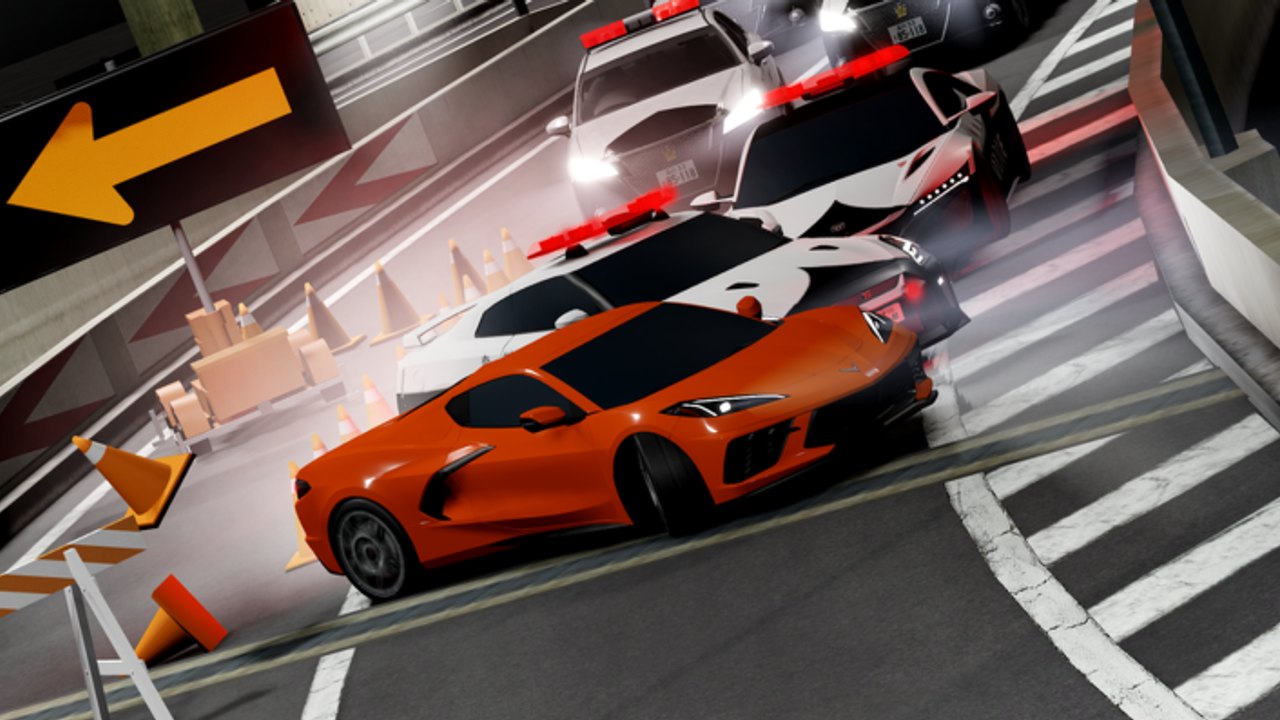
Driving Experience Japan uses ordinary Roblox movement plus a few HUD icons that new drivers miss. This page is the input sheet: keyboard, mobile, camera, jobs, codes, and the phone layer. It is not a physics manual. For the first-hour plan, use Getting Started. For mountain lines, use Hakusan touge.
Public servers hold six players. You share Kyoto alleys with other cars. Learn camera before you blame the chassis. Convertibles and Honda-style sports cars are the cleanest first-person seats. A kei van still drives on WASD if you never touch camera.
Keyboard driving
WASD is the drive cluster. W is throttle, S is brake and reverse, A and D steer. Space and extra binds follow whatever the current chassis exposes in the Roblox shift-lock style HUD. If a car feels numb, you are probably in a commercial van, not a broken bind.
First-person is the key to the right of P on a standard keyboard (the [ key on US layouts). Some cars and convertibles also accept mouse scroll to drop into the cabin. If scroll does nothing, use the key. If the key does nothing, you are in a body that never shipped a cabin camera. Swap to a convertible or a Honda sports car from a cheap lot and try again. The clip on this page is that Honda-sports view, not a cinematic cutscene.
Look binds stay with the mouse. On a laptop trackpad, slow the camera in Roblox settings before you take Kyoto night traffic. Shift lock helps on foot between the Hiace vans and a dealer; it is optional in a cabin.
| Action | Typical input | | Codes window | Trophy icon on the left | | Jobs | Briefcase icon | | Extra tools | Phone features added in later patches | | Drive | WASD | | First-person | Key right of P, or mouse scroll on some cars | | Reset after a flip | Standard Roblox vehicle sit / reset, then respawn the car |
If you host a private server, older patches documented /setmaxspawn up to 50 cars. That is a spawn-cap command for the host, not a drive bind. Public boxes stay at six drivers. Do not type it in a public chat expecting extra cars.
Mobile driving
On a phone, on-screen sticks replace WASD. Thumb the throttle like any Roblox vehicle sim, then pinch or use the camera slider if the car offers one. First-person on mobile is clumsier than on a mouse. If the cabin view fights you, stay in chase cam for taxi and delivery, then try first-person later in an empty Kameoka stretch.
The trophy and briefcase still sit on the left stack. They are easy to miss under a large thumb. Tap HUD, not the car. Codes are case-sensitive, so paste from the codes hub instead of typing DEJPSEPT2026 on a tiny keyboard. The redeem flow is pictured on how to redeem.
Lucky Box is not a key. Walk to the two Hiace vans at spawn and use the prompt. Odds and reset time live on the Lucky Box tool.
Camera, jobs, and the phone
Chase cam is the default for learning Kyoto. First-person is for convertibles, night streets, and Hakusan hairpins once you can brake without the hood in the way. If the cabin sits too low, you picked a kei with a tall dash. If it sits too high, you are still in third person.
Jobs never need a special drive key. Open the briefcase, pick Taxi or Delivery, and follow the marker. Farmer is a later briefcase option after level 25 on Kameoka, covered in the Farmer job guide. The jobs hub is the roster.
Phone features arrived in the V1.0-era patch notes alongside Kameoka’s expansion. Treat the phone as a second tray for tools the HUD outgrew. If a button moved after a shutdown, check the changelog rather than assuming your binds broke.
Practice loop that actually teaches the camera
- Spawn a cheap convertible or Honda-style sports car, not a limited banner piece. Rankings sit on the beginner cars list.
- Drive one Kyoto block in chase cam.
- Hit the key right of P. Drive the same block in first-person.
- If the view never drops, try mouse scroll, then swap cars.
- Take one delivery stop so the marker teaches braking in cabin view.
- Only then aim at Hakusan. Mountain cam mistakes are expensive.
Limited lots and hidden Pagani-class dealers can wait. You are training hands, not flexing brands. Tokoma, Honard, Naisen, Densu, Starl, and Reaxus all ship cars that roll on the same WASD. The chassis changes. The HUD icons do not.
When a friend says “I cannot look out the windshield,” send this page, not a script. If they still want automation toys, point them at scripts and vehicle tools and keep experiments off public six-player boxes. For Yen after you can actually steer, open how to make Yen. For the rest of the tutorial set, go back to the Guides Hub.
Night Kyoto with first-person on a convertible is the reason a lot of drivers stay in DEJP. Get the key right of P into muscle memory before you chase NightRace banners. The mountain will still be there after one clean city lap.
Frequently Asked Questions
Quick answers for Kyoto roads, Yen, and DEJP codes.
How do I enter first-person in Driving Experience Japan?
Press the key to the right of P, or mouse-scroll on some convertibles and sports cars. The Honda clip on this page shows the cabin view.
Where is the codes button?
Trophy on the left. Paste one case-sensitive string at a time. Live list: codes. Steps: how to redeem.
Where is the jobs button?
Briefcase icon. Taxi and Delivery start unlocked. Farmer waits until level 25; see the Farmer job guide and jobs hub.
Do mobile players get first-person?
Sometimes, if the car ships a cabin camera. Chase cam is safer for delivery loops on a phone.
What is /setmaxspawn?
A private-server command that historically raised car spawn caps toward 50. Public servers stay at six players. It is not a drive bind.
Which car should I practice camera in?
A cheap convertible or Honda-style sports car from the beginner list, then take it to Hakusan once Kyoto feels calm.